help and training
Navigate your Sage University experience with the learner home
Your Sage University learner home provides you with an intuitive hub to help you navigate and customize your learning with Sage University.
What can I find on my learner home?
To see your learner home, select View my learning from the Sage University homepage.
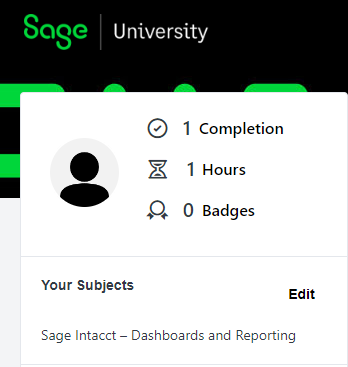
From your learner home, you can view a summary of various learning metrics such as:
-
The number of course that you've completed.
-
Overall hours of training that you've completed.
-
Your in-progress courses.
You can also specify which subjects interest you to get a curated list of course recommendations.
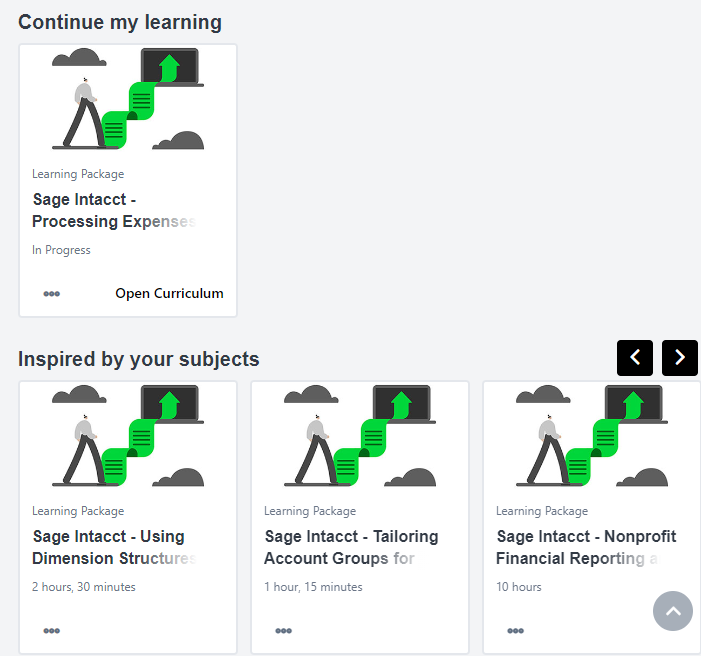
Under Continue my learning, you'll see courses that are in progress with easy access to go back to the course to complete it. Below the in-progress courses, you'll see course recommendations by selecting Your Subjects.
How do I get course recommendations?
-
From the Sage University homepage, select View my learning.
-
In the left column under Your Subjects, select Add.
-
Search or Browse for the subject you'd like to receive recommendations.
For example, to see suggested courses for reporting, Search for Sage Intacct and select Sage Intacct - Dashboards and Reporting from the list of results.
If you want to see all Sage Intacct course recommendations, select Browse and then select Sage Intacct.
-
Select Save.
-
Suggested courses are listed on your learner home.
There might be a delay when the suggested courses are listed.
