Inventory control
Improved prevention of negative inventory
If the Turn off negative inventory checkbox is selected, users cannot backdate a transaction if that would result in a negative inventory amount.
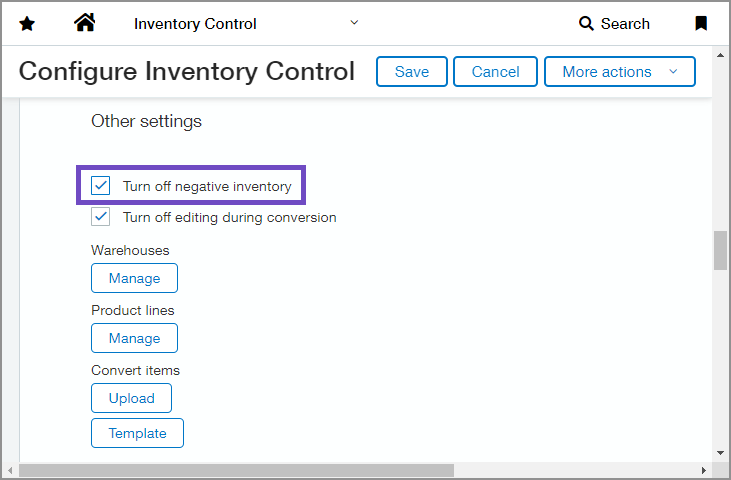
The Turn off negative inventory checkbox is found on both the Configure Inventory Control and Configure Order Entry pages. If you change the setting on either page, it is changed for both applications.
Example
An inventory item's quantity on hand is zero.
You purchase 100 units of the item on Monday and then purchase another 50 units on Wednesday.
You cannot create a transaction to sell 150 units that's backdated for Tuesday because the result is a quantity of – 50.
Requirements
| Subscription |
Inventory Control |
|---|---|
| Regional availability |
All regions |
| Permissions |
Inventory Control
Order Entry
|
