Enhanced interface
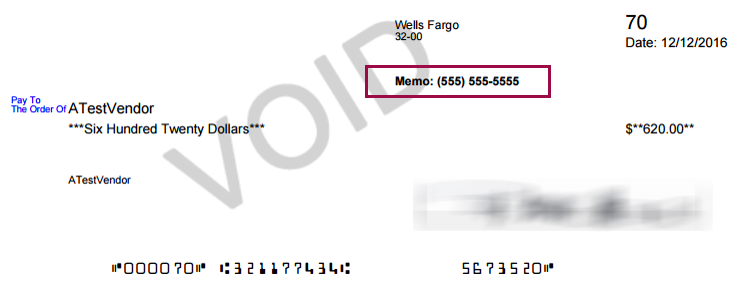
Print a memo on the check face
Related information
 Related topics
Use the Check memo field on the Print checks page to include extra information (for example, a "Care of" name) that prints on the face of your check.
Permissions and other requirements
| Subscription |
Accounts Payable Expenses |
|---|---|
| User type | Business |
| Permissions |
Print Checks: Run |
-
Go to Accounts Payable > All > Checks > Print checks.
- Select the Check style and Checking account.
- Enter a value in the Check memo field.
- Select the payment and select Print.
