Cash Management
UK bank files now support EUR currency payments
United Kingdom bank files now support payments in the EUR currency.
Details
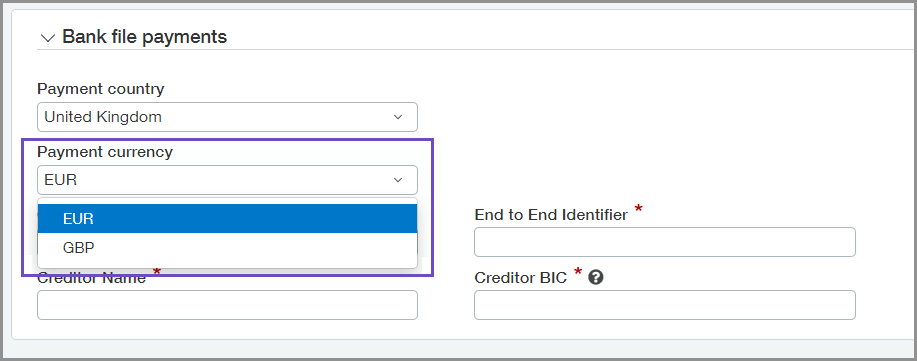
Until now, UK bank file payments only supported payments in GBP currency. You can set the payment currency for each UK vendor. After you set up a vendor for EUR currency bank files, you can pay them with the SEPA bank file format.
How it works
-
Go to Accounts Payable > All > Vendors.
-
Select a UK vendor.
-
On the Bank file tab, select EUR for the Payment currency.
-
Select Save.
You can also update the payment currency of your vendors, in bulk, using CSV import.
After a UK vendor has EUR selected for their payment currency, you can pay them with the bank account that is set up for SEPA bank file payments.
Requirements
| Subscription |
Cash Management Sage Cloud Services |
|---|---|
| Regional availability | United Kingdom |
| User type | Business user with admin privileges |
| Permissions | Vendors: List, View, Add, Edit, Bank details |
| Dependencies or other requirements | Bank files enabled |
| CSV Import | Update Vendors for Bank File Payments |
