projects
Plan your projects with greater precision on revenue and expense
This idea came from you!
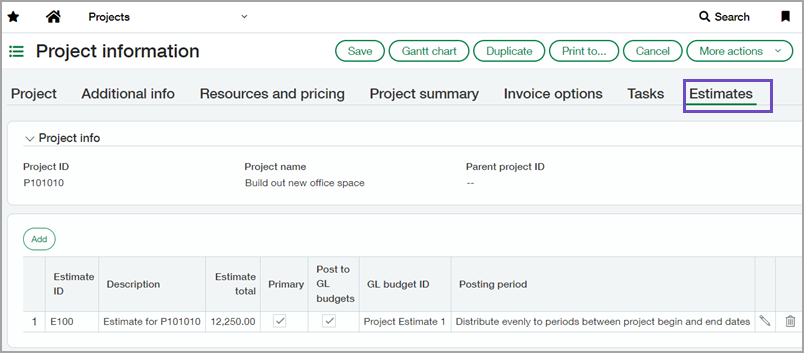
With a Project or Grant Costing and Billing subscription, you can now capture detailed project or grant estimates to compare estimated costs to actual costs. Detailed project or grant estimates give you better visibility to profitable projects or grants.
Say goodbye to using time-consuming workarounds and processes to manage project or grant costs.
How it works
- Verify that you have the Project or Grant: Costing and Billing subscription. Go to one of the following:
- Projects > Setup > Configuration.
- Company > Admin > Subscriptions.
- Assign project or grant estimate user permissions.
- After you add a project or grant, you can create a project or grant estimate or import the estimate.
Requirements
| Subscription |
Project or Grant: Costing and Billing |
|---|---|
| Regional availability |
|
| User type |
Business user Project manager |
| Permissions |
Projects > Project Estimates
|
