ADVANCED REPORTING
ICRW learning journey
The ICRW learning journey is an information road map for help, training videos, and Sage University classes. Whether you are new to ICRW or an expert user, the ICRW learning journey is your guide to success.
Embark on your ICRW journey to success
Interactive Custom Report Writer (ICRW) enables you to build powerful reports across a wide range of reporting areas. ICRW reports provide access to interactive analysis of your data in real-time, combining advanced business intelligence (BI) with transactional analysis.
The ICRW learning journey provides quick access to help, training, videos, and Sage University classes for every level of user. You can start, continue, and advance your level of ICRW expertise from one location.
How it works
It's easy to embark and continue on your ICRW learning journey.
-
From the Sage Intacct Help Center, go to Reporting > Advanced reports > Interactive Custom Reports.
-
Select ICRW learning journey.
-
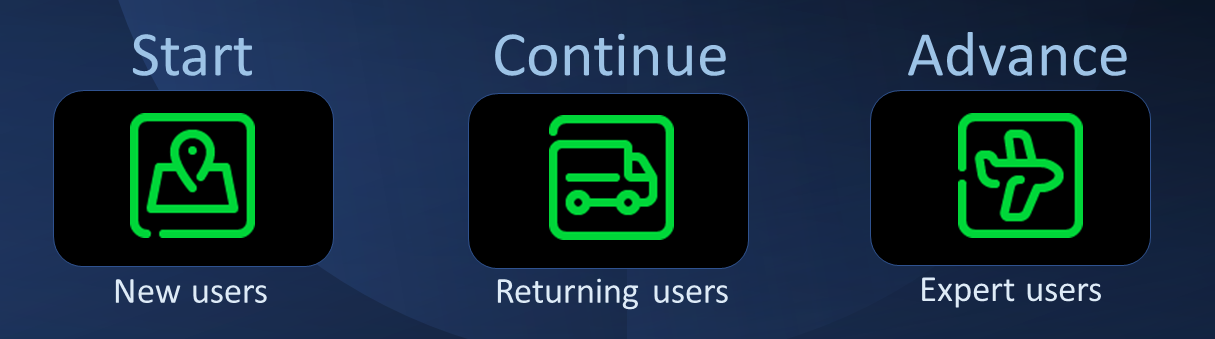
Choose a destination icon in the banner, or an In this topic link:
- Start: Begin your journey to becoming an ICRW expert.
- Continue: Increase your level of ICRW expertise.
- Advance: Excel with expert level proficiency in ICRW custom reporting.
Requirements
| Subscription |
Interactive Custom Report Writer |
|---|---|
| Regional availability |
All regions |
| Permissions | Run, View, List, Add, Edit, Delete |
| Dependencies or other requirements | Access to data in the reports |
