Time and Expenses
Automate your employee expenses
We're excited to announce a new automated workflow for submitting your employee expenses. Save time and ensure accuracy by emailing your employee expense receipts from any device directly to Sage Intacct.
Your employees can now email their travel or other receipts and use artificial intelligence (AI) to assist in coding them. Machine learning (ML) remembers the changes for future receipts, making the whole employee expense report process even easier.
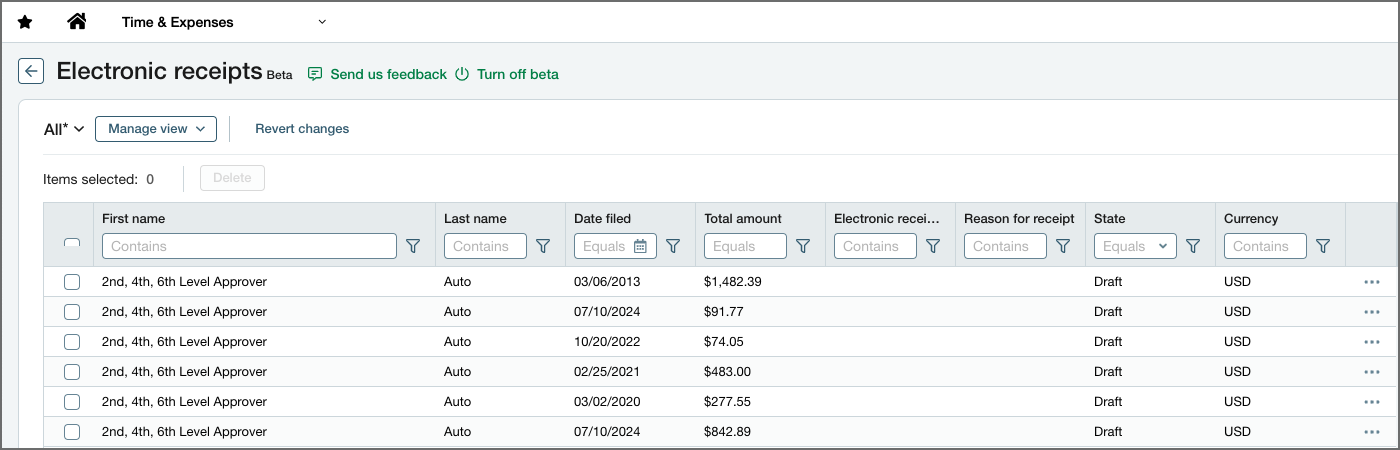
A new list links electronic receipts emailed by the employee, where you can add receipts to an expense report and associate the full amount with an expense type or split the receipt across multiple expense types. Depending on your permissions, you can also remove the receipt from the employee here.
Users with staff expense permissions can create staff expenses and pull in emailed employee receipts.
How it works
-
Your employees email their receipts to a Sage Intacct email.
AI technology populates the receipts with data. -
Then, the employee updates their receipts with more details or additional coding.
-
When your employee creates their expense report, they can easily pull in all those receipts.
Permissions and other requirements
| Subscription |
Time and Expense Sage Cloud Services |
|---|---|
| Regional availability |
United States |
| User type |
Business Employee |
| Permissions |
Time and Expenses
|
| Configuration |
Every attachment is considered one receipt. Use one attachment per receipt. Each attachment can have multiple pages.
|
