Get started with Accounts Payable
Related information
 Related topics
Welcome to Sage Intacct Accounts Payable! We'd like to share some resources to help you get started:
-
Training courses with Sage University designed to help you learn about Accounts Payable.
-
Videos that show you how to perform some of the basic Accounts Payable tasks.
-
Quick links to help topics and product tours.
Follow the learning path toward success
Sage University provides training that you can take at your own pace. Our training helps you develop the skills and knowledge that you need to work effectively and efficiently in Sage Intacct.
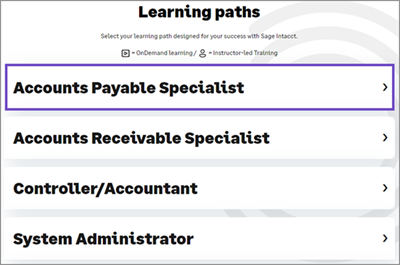
Sage University offers learning paths designed for specific areas of Sage Intacct, including Accounts Payable.
View the Accounts Payable Specialist learning path
The Accounts Payable Specialist learning path includes courses that you can take for each step toward success.
-
Go to the Accounts Payable Specialist learning path.
You'll need to connect to Sage University to view the learning paths. -
Scroll to Learning paths and select the Accounts Payable Specialist role.
Accounts Payable learning path courses
Some courses offer activities, which give you hands-on practice.
-
Get started: Getting started with Sage Intacct
-
Core learning: Processing Accounts Payable
-
Additional learning:
Watch videos to learn the basics
The Video library contains short demonstrations of common tasks, and there's no registration required.
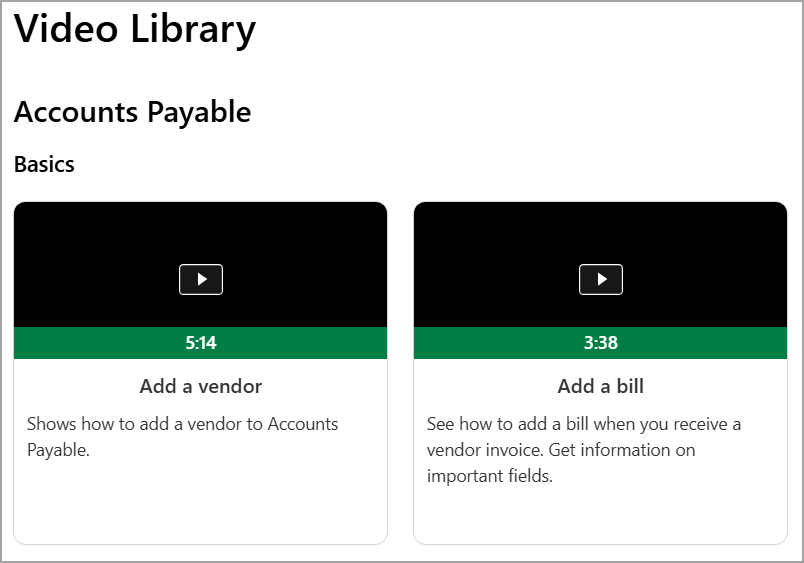
The Accounts Payable videos show you how to perform basic tasks like entering a vendor, adding a bill, or making a payment. You'll also learn how to save time using AP Automation.
Get Accounts Payable help
Our Help Center includes both basic and in-depth information on Sage Intacct features and functions.
The Accounts Payable help includes information and instructions from adding and setting up vendors to paying bills, and more. Read more about Accounts Payable and how to get your job done:
-
Bill basics - Understand how bills move in Sage Intacct, get quick instructions on common tasks, and learn where to go next.
-
Pay bill basics - Learn the process and workflow of paying a bill in Sage Intacct. You'll also see links to resources and instructions to common tasks.
-
Approval bills - Learn how to approve new bills so that they can be selected for payment.
-
Approve payments - Review payment requests to determine whether they should continue on to payment.
-
1099 and 1096 submission - Learn how to set up vendors for 1099 treatment and how to file forms.
-
Taxable Payments Annual Report (TPAR) - Learn how to set up vendors for TPAR and generate the TPAR report.
-
Reports - Find out how to customize and run Accounts Payable reports, such as the AP Ledger and Vendor aging reports.
Learn as you go with product tours
To help you learn while you're using Sage Intacct, the following tours are available:
-
Accounts Payable - Bills
-
Accounts Payable - Pay bills
The first time you enter a bill or pay a bill, the product tours appear and will walk you through the process. You can always get back to these tours at any time:
-
Go to the application page.
-
For the Bills page, go to Accounts Payable > Bills.
-
For the Pay bills page, go to Accounts Payable > Pay bills.
-
-
Select .
-
Select Product tours.
-
Select the tour.
Check out what's new
The release notes have the latest updates and features in Sage Intacct. All the information is organized by release and application.
View the release notes.
